
Customer Journey Mapping: A Practical Guide
Learn how to create a customer journey map that reveals pain points, improves experiences, and aligns your team around the customer perspective.
TidySupport Team
Published on April 11, 2026
Every customer takes a journey with your company — from the moment they first hear about you to the moment they decide to stay (or leave). Most companies have a vague sense of what that journey looks like. A customer journey map turns that vague sense into something concrete, visual, and actionable.
This guide explains what customer journey mapping is, why it matters, and how to create a map that actually drives decisions.
What Is a Customer Journey Map?
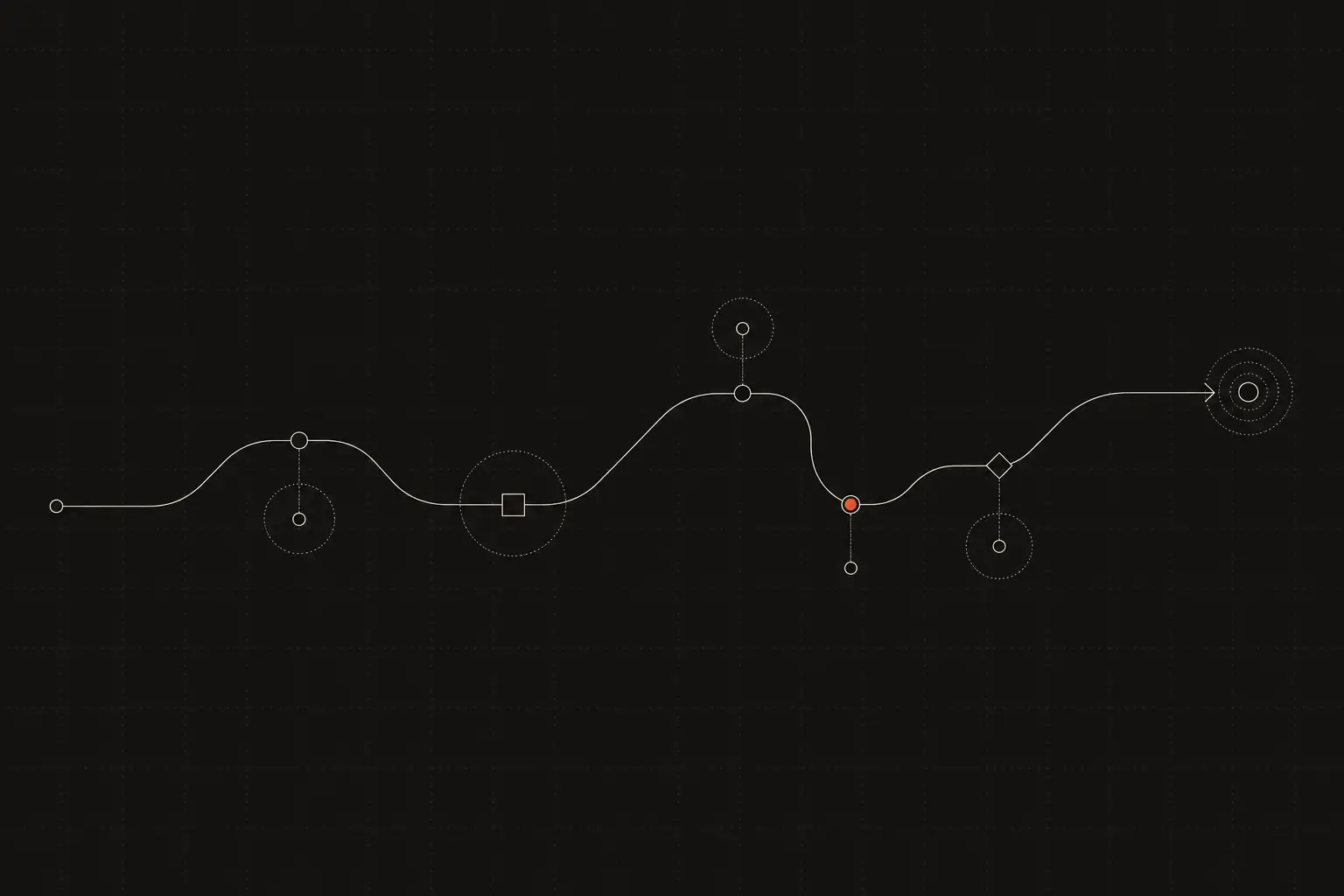
A customer journey map is a visual document that illustrates the steps a customer takes when interacting with your company. It covers the full lifecycle — from awareness and consideration to purchase, onboarding, ongoing use, and advocacy (or churn).
For each stage, a journey map typically captures:
- Actions: What the customer does (visits your website, signs up for a trial, contacts support)
- Touchpoints: Where the interaction happens (your homepage, an email, a chat conversation)
- Emotions: How the customer feels at each stage (excited, confused, frustrated, satisfied)
- Pain points: Where things break down or cause friction
- Opportunities: Where you can improve the experience
The result is a comprehensive view of the customer experience from the customer's perspective — not from your internal perspective. This is the key distinction. Most companies think about their processes (marketing funnel, sales pipeline, support workflow). A journey map reframes everything through the customer's eyes.
Journey maps can be simple (a whiteboard sketch covering five stages) or elaborate (a multi-page document with data, quotes, and detailed analysis). The right level of complexity depends on your goals and resources.
Why Customer Journey Mapping Matters
It reveals gaps you cannot see from the inside
When you work inside your company, you see individual departments and processes. The customer sees one continuous experience. A journey map exposes the gaps between departments — the moment when marketing's promise does not match the product experience, or when onboarding drops the customer off a cliff.
It aligns your team around the customer
Different departments often optimize for their own metrics. Marketing optimizes for leads. Sales optimizes for deals. Support optimizes for tickets resolved. A journey map gives everyone a shared view of the customer experience and makes it clear how each team's work connects to the whole.
It prioritizes investments
You cannot fix everything at once. A journey map highlights the moments that matter most — where emotions are strongest, where drop-off is highest, where friction is greatest. This helps you prioritize where to invest time, money, and attention.
It improves customer retention
Customers rarely churn because of a single bad experience. They churn because of accumulated friction across their journey. A journey map helps you see and address these accumulated pain points before they lead to churn.
It drives innovation
Journey maps often reveal unmet needs — moments where customers are working around limitations, cobbling together solutions, or wishing for something that does not exist yet. These are opportunities for new features, products, or services.
Key Components of a Customer Journey Map
Stages
The high-level phases of the customer lifecycle. A common framework:
- Awareness: The customer discovers your company or product
- Consideration: They evaluate you against alternatives
- Purchase / Signup: They make the decision and buy
- Onboarding: They start using your product
- Adoption: They integrate your product into their routine
- Retention / Loyalty: They continue using and finding value
- Advocacy: They recommend you to others
Your stages may differ. An e-commerce company's journey is different from a SaaS company's. Use stages that reflect your actual customer lifecycle.
Customer personas
Journey maps are most useful when created for a specific customer segment or persona. A first-time buyer's journey is very different from a power user's. A small business customer's journey is different from an enterprise customer's. Define who you are mapping before you start.
Touchpoints
Every interaction between the customer and your company. This includes your website, emails, ads, sales calls, product interface, support conversations, billing statements, social media, review sites, and word of mouth. List them all — you will be surprised how many there are.
Customer actions
What the customer does at each touchpoint. Searches for a solution, reads a blog post, signs up for a free trial, sends a support email, upgrades their plan, refers a colleague.
Emotions and sentiments
How the customer feels at each stage. This is where the map gets qualitative and empathetic. Are they excited during onboarding? Confused by the pricing page? Frustrated after a support interaction? Emotions drive behavior — understanding them is critical.
Pain points
Specific moments of friction, confusion, or frustration. Examples: unclear pricing, a complicated signup form, slow support responses, a missing feature, confusing documentation. These are your improvement opportunities.
Metrics
Quantitative data that validates or enriches the qualitative insights. Conversion rates, support ticket volume, CSAT scores, time-to-value, churn rate at each stage. Data makes your journey map evidence-based, not just opinion-based.
How to Create a Customer Journey Map
Step 1: Define your objective
What do you want the journey map to achieve? Common goals include improving onboarding, reducing churn, increasing conversion, or aligning cross-functional teams. A clear objective keeps the project focused.
Step 2: Choose your persona
Select a specific customer segment to map. If you have multiple personas, start with the one that represents your largest or most important segment. You can create additional maps later.
Step 3: Gather data
Combine quantitative data with qualitative insights:
- Analytics: Website behavior, conversion funnels, feature usage, drop-off points
- Support data: Common questions, complaint themes, CSAT scores by stage. Tools like TidySupport provide this data through conversation tagging and reporting.
- Customer interviews: Talk to 5-10 customers about their experience. Ask open-ended questions about their journey, emotions, and pain points.
- Team interviews: Talk to sales, support, product, and success teams. They see different slices of the journey daily.
- Surveys: CSAT, NPS, and CES data mapped to lifecycle stages.
Step 4: Map the current state
Using your data, build the current-state journey map:
- List the stages across the top
- For each stage, fill in touchpoints, customer actions, emotions, and pain points
- Add metrics where available
- Identify moments of truth — the high-stakes interactions that disproportionately impact the customer's perception
Keep it visual. Use a whiteboard, a spreadsheet, or a dedicated tool. The format matters less than the clarity.
Step 5: Identify opportunities
With the current state mapped, look for patterns:
- Where are the biggest pain points?
- Where are emotions most negative?
- Where are customers dropping off?
- Where is the gap between expectation and reality widest?
These are your improvement opportunities. Prioritize them based on impact (how many customers are affected, how strong the negative emotion is) and feasibility (how difficult and expensive the fix would be).
Step 6: Design the future state
Create a future-state journey map that shows the experience you want to deliver. For each pain point, define the improved experience. This becomes your roadmap for CX improvements.
Step 7: Take action and iterate
A journey map is only valuable if it leads to action. Assign owners to each improvement opportunity, set timelines, and track progress. Update the map as you make changes and as the customer experience evolves.
Best Practices
1. Start with the customer, not your org chart
The most common mistake is mapping your internal processes and calling it a journey map. A true journey map follows the customer's experience, not your team's workflow. What does the customer do, think, and feel — not what does your marketing team do at stage two.
2. Include emotional data
A journey map without emotions is a process map. Emotions are what differentiate a journey map and make it useful. Include customer quotes, sentiment data, and descriptions of how customers feel at each stage.
3. Keep it collaborative
Create the map with a cross-functional team — support, sales, product, marketing, and leadership. Each team brings a different perspective, and the exercise of building the map together creates shared understanding and buy-in.
4. Validate with real customers
Internal assumptions about the customer journey are often wrong. Validate your map with customer interviews. You will discover touchpoints you forgot, pain points you did not know existed, and emotions you did not expect.
5. Focus on moments of truth
Not every touchpoint is equally important. Focus your improvement efforts on moments of truth — the interactions that have the biggest impact on the customer's perception and decisions. Common moments of truth: first impression, first support interaction, billing, renewal.
6. Make it a living document
A journey map created once and filed away is worthless. Review it quarterly, update it when things change, and use it as a regular reference in planning and prioritization discussions.
7. Start simple
A complex, beautiful journey map that takes months to create is less valuable than a rough map created in a day and iterated on weekly. Start with sticky notes on a whiteboard. Refine over time.
Tools and Resources
- TidySupport — Provides customer support data (conversation themes, CSAT scores, response times) that feeds into journey mapping. Understanding where customers get stuck during the support stage is critical input for any journey map.
- Miro / Mural — Collaborative whiteboard tools ideal for building visual journey maps with a team.
- Smaply — Dedicated journey mapping software with templates and persona management.
- UXPressia — Another journey mapping tool with pre-built templates and CX management features.
- Google Sheets / Notion — Sometimes a spreadsheet or document is all you need for a functional journey map.
Frequently Asked Questions
What is the difference between a journey map and a service blueprint?
A journey map shows the customer's experience from the outside. A service blueprint adds the internal view — the behind-the-scenes processes, systems, and people that support each touchpoint. A service blueprint is more detailed and more useful for operational improvements.
Can I create a journey map without customer research?
You can create a hypothesis-based map using internal knowledge and data. This is a useful starting point, but it should be validated with actual customer input. Internal-only maps tend to miss pain points and overestimate the quality of the experience.
How many touchpoints should a journey map include?
As many as are relevant. A simple B2C purchase might have 10-15 touchpoints. A complex B2B sale might have 50+. Include every touchpoint that affects the customer's experience, but group minor ones to keep the map readable.
Who should own the customer journey map?
Ideally, a CX leader or product manager. In smaller companies, it might be the head of support, the head of product, or the founder. The owner does not create it alone — they facilitate the cross-functional process and keep the map updated.
Is customer journey mapping only for large companies?
Not at all. Small companies benefit enormously from journey mapping because they have fewer resources and need to prioritize ruthlessly. A quick journey map reveals where limited resources will have the most impact.
Frequently Asked Questions
What is a customer journey map?
A customer journey map is a visual representation of every step a customer takes when interacting with your company — from first discovering your brand to becoming a long-term user. It captures actions, emotions, pain points, and opportunities at each stage.
How long does it take to create a customer journey map?
A basic journey map can be created in a few hours using existing knowledge and team input. A research-backed map with customer interviews and data analysis typically takes 2-4 weeks.
How often should I update my customer journey map?
Review it quarterly and update it whenever there is a significant change — new product features, new channels, pricing changes, or shifts in customer behavior. A journey map that is not updated becomes fiction.
Do I need a different journey map for each customer segment?
Ideally, yes. Different segments (enterprise vs SMB, new vs returning, different industries) often have very different journeys. Start with your primary segment and create additional maps as needed.