
How to Set Up an AI Chatbot for Customer Support
A practical guide to setting up an AI chatbot for customer support. Covers planning, knowledge base integration, testing, and avoiding common pitfalls.
TidySupport Team
Published on April 11, 2026
The promise of chatbots is simple: answer common customer questions instantly, 24/7, without requiring a human agent. The reality is more nuanced. A poorly implemented chatbot frustrates customers, damages trust, and generates more support tickets than it prevents.
This guide shows you how to set up a chatbot that actually helps, covering everything from planning what to automate to measuring whether it is working.
What Is an AI Chatbot for Customer Support?
An AI chatbot is a software tool that uses natural language processing and your knowledge base to automatically answer customer questions through a chat interface. Unlike rule-based bots that follow rigid decision trees, AI-powered chatbots can understand varied phrasings of the same question and generate contextually relevant responses.
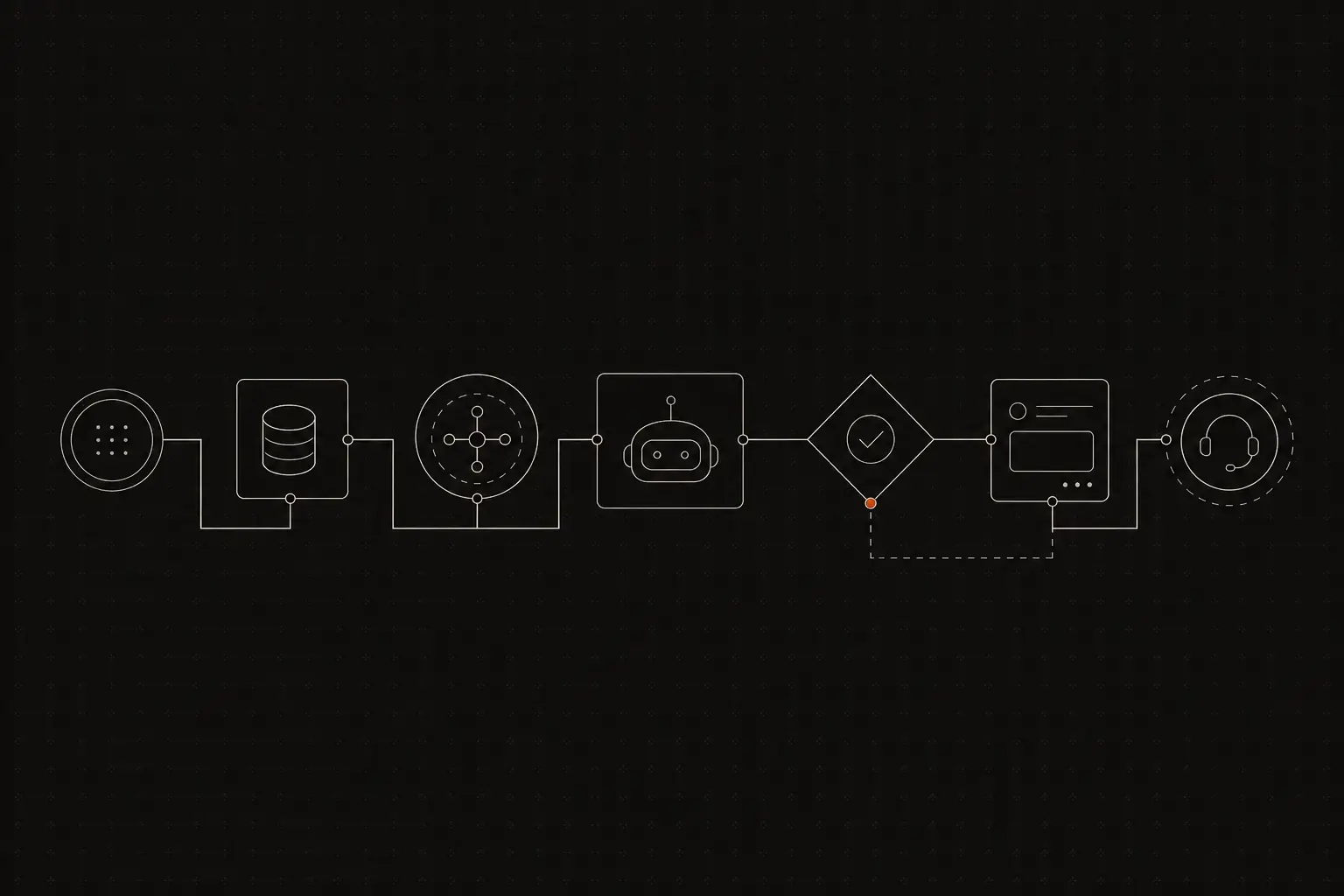
Modern support chatbots sit in your website's chat widget or help center. When a customer asks a question, the chatbot searches your knowledge base, product documentation, or training data to provide an answer. If it cannot help, it hands the conversation off to a human agent with full context.
Why AI Chatbots Matter for Support
- Instant responses. Chatbots reply in seconds, not hours. For customers with simple questions, this is dramatically better than waiting for a human.
- 24/7 availability. Your chatbot works while your team sleeps, covering time zones and after-hours requests without overtime costs.
- Scalable deflection. A chatbot handles one question or a thousand with the same speed and cost. During volume spikes, it absorbs the surge.
- Consistent answers. Every customer gets the same accurate information, eliminating the variability that comes with different agents interpreting questions differently.
- Agent focus. By handling routine questions, the chatbot frees agents to spend time on complex, high-value interactions that require human judgment and empathy.
How to Set Up an AI Chatbot for Customer Support
Step 1. Define what your chatbot should (and should not) handle
The most important decision is scope. A chatbot that tries to do everything does nothing well. Start by defining a clear boundary.
Good candidates for chatbot handling:
- How-to questions with documented answers (password reset, feature setup, account management)
- Order or subscription status inquiries
- Operating hours and contact information
- Pricing and plan comparison questions
- Known issue workarounds
Keep these with human agents:
- Billing disputes and refunds
- Account security issues
- Bug reports that need investigation
- Angry or frustrated customers
- Complex multi-step troubleshooting
- Sales conversations and negotiations
Write out your scope in a document your team can reference. As you build out your chatbot, this scope guides what content you train it on and what triggers a human handoff.
Step 2. Build your knowledge base first
An AI chatbot is only as good as the content it draws from. If your knowledge base is thin, outdated, or poorly organized, your chatbot will give bad answers and damage customer trust.
Before setting up the chatbot:
- Audit your knowledge base for accuracy and completeness.
- Write articles for your top 20 most common support questions.
- Ensure articles are written in clear, plain language that the chatbot can extract and present naturally.
- Organize articles with clear titles and categories so the chatbot's search returns relevant results.
If you do not have a knowledge base yet, start there before investing in a chatbot. The knowledge base is the foundation; the chatbot is the delivery mechanism.
TidySupport includes a built-in knowledge base that integrates directly with the support widget, making it straightforward to power chatbot responses from the same content your agents reference.
Step 3. Choose your chatbot platform
You have several options depending on your needs and budget:
Built-in chatbot in your support tool. Many support platforms include chatbot functionality that integrates with your existing knowledge base and conversation workflow. This is the simplest option because the chatbot, knowledge base, and human handoff all live in one system.
Standalone chatbot platforms. Tools like Intercom's Fin, Zendesk's AI agents, or standalone chatbot builders offer more customization but require integration with your existing support workflow.
Custom-built chatbot. Using APIs from providers like OpenAI or Anthropic, you can build a custom chatbot tailored to your product. This offers maximum flexibility but requires engineering resources to build and maintain.
For most teams, a built-in chatbot is the best starting point. It reduces integration complexity and ensures the handoff to a human agent is seamless.
Step 4. Configure the chatbot flow
A well-designed chatbot flow has three phases: greeting, resolution attempt, and handoff.
Greeting. The chatbot introduces itself and sets expectations. Be transparent about the fact that this is a bot:
"Hi! I am TidySupport's virtual assistant. I can help with common questions about your account, billing, and features. For anything else, I will connect you with our team."
Being honest about the bot's identity builds trust. Customers who realize mid-conversation that they are talking to a bot (and were not told) feel deceived.
Resolution attempt. The chatbot interprets the customer's question and presents relevant information from your knowledge base. This might be a direct answer, a link to an article, or a guided walkthrough.
Good practices:
- Show the answer directly in the chat rather than just linking to an article. Customers want answers, not homework.
- Include a follow-up question: "Did this answer your question?" with Yes/No buttons.
- If the answer is "No," immediately offer human handoff.
Handoff. When the chatbot cannot resolve the question, it connects the customer to a human agent. The handoff should include:
- The customer's original question.
- Any information the chatbot already gathered.
- Which articles were suggested (so the agent does not repeat them).
A smooth handoff feels like a warm introduction, not a cold transfer.
Step 5. Train and test the chatbot
Before launching, test your chatbot thoroughly:
Functional testing. Ask the chatbot every question from your top 20 list. Verify that it returns the correct answer or the most relevant article each time.
Edge case testing. Ask questions in unusual ways: misspellings, slang, incomplete sentences, and multiple questions in one message. See how the chatbot handles them.
Handoff testing. Verify that the handoff to a human agent works correctly, including context transfer. The agent should see the chatbot conversation history when they take over.
Negative testing. Ask the chatbot questions outside its scope. Verify that it gracefully says "I do not have an answer for that" and offers human handoff, rather than guessing or hallucinating an incorrect response.
Team testing. Have your support agents use the chatbot as if they were customers. They know the trickiest questions and the most common edge cases.
Fix any issues identified during testing before launching to customers.
Step 6. Launch with a soft rollout
Do not deploy your chatbot to 100% of traffic on day one. Start with a soft rollout:
- Week 1: Enable the chatbot for 10-20% of visitors. Monitor performance and customer feedback closely.
- Week 2: If metrics are positive, increase to 50%.
- Week 3-4: Roll out to 100% after confirming consistent performance.
During the soft rollout, track:
- Deflection rate. What percentage of chatbot conversations are resolved without human involvement?
- Handoff rate. How often does the chatbot need to transfer to a human?
- Customer satisfaction. Are customers who interact with the chatbot rating the experience positively?
- False resolution rate. How often does the chatbot mark a conversation as resolved when the customer's issue was not actually fixed? Check by looking at how many customers return with the same question shortly after.
Step 7. Monitor ongoing performance
After launch, monitor your chatbot's performance weekly:
Accuracy. Review a sample of chatbot conversations to verify answers are correct and helpful. Flag incorrect responses for immediate correction (usually by updating the underlying knowledge base article).
Gap analysis. Look at questions where the chatbot said "I do not know." These are content gaps in your knowledge base. Write new articles to cover them.
Customer feedback. Read feedback from the "Was this helpful?" prompts. Low ratings point to specific answers that need improvement.
Handoff analysis. Review conversations that were handed off to humans. Could the chatbot have handled any of them with a better knowledge base article? Are there patterns in what gets escalated?
Abuse detection. Some users test chatbots with inappropriate messages. Make sure your chatbot handles these gracefully without engaging.
Step 8. Iterate and expand
Based on your monitoring data, continuously improve:
- Add new knowledge base articles to fill content gaps the chatbot identified.
- Refine existing articles based on chatbot accuracy issues.
- Expand the chatbot's scope gradually as your confidence and content library grow.
- Adjust the greeting and flow based on customer feedback.
- Review and update the handoff triggers to ensure they are neither too aggressive (handing off too quickly) nor too lenient (keeping customers stuck in the bot too long).
A chatbot is not a set-and-forget tool. The best chatbots improve every month because their teams treat them as a product that needs continuous attention.
Common Mistakes to Avoid
- Hiding the human option. The fastest way to destroy customer trust is to make it impossible to reach a person. Always provide a clear, prominent "Talk to a human" option.
- Pretending the bot is human. Customers can tell, and when they discover the deception, trust evaporates. Be transparent about what the chatbot is.
- Launching without a knowledge base. A chatbot without content is a fancy "I do not know" generator. Build the knowledge base first.
- Ignoring the handoff experience. A jarring handoff where the customer has to repeat everything undermines the chatbot's value. Ensure full context transfer.
- Measuring only deflection rate. A high deflection rate is meaningless if customers are dissatisfied. Always pair deflection metrics with satisfaction scores.
FAQ
How much does an AI chatbot cost?
Costs range from free (basic rule-based bots) to hundreds of dollars per month for advanced AI-powered chatbots. Most small to mid-size teams spend $50 to $200 per month. Some support platforms, like TidySupport, include chatbot functionality as part of the platform, so there is no separate cost.
Will a chatbot replace my support team?
No. Chatbots handle routine, repetitive questions. Complex issues, emotional situations, and anything requiring judgment still need human agents. A well-implemented chatbot frees your team to focus on these higher-value interactions.
What percentage of tickets can a chatbot resolve?
Most teams see 20-40% of incoming questions resolved by a chatbot, depending on the quality of their knowledge base and the complexity of their product. Simple products with good documentation can achieve higher deflection rates.
How long does it take to set up a chatbot?
With an existing knowledge base and a built-in chatbot feature in your support tool, you can launch in one to two days. Building a custom chatbot from scratch takes weeks to months depending on complexity.
Can a chatbot handle multiple languages?
Many modern AI chatbots support multiple languages. If your customer base is multilingual, verify that your chosen chatbot can understand and respond in the relevant languages before committing.
Frequently Asked Questions
How much does an AI chatbot cost?
Costs range from free (basic rule-based bots) to hundreds of dollars per month for advanced AI-powered chatbots. Most small to mid-size teams spend $50 to $200 per month. Some support platforms, like TidySupport, include chatbot functionality as part of the platform, so there is no separate cost.
Will a chatbot replace my support team?
No. Chatbots handle routine, repetitive questions. Complex issues, emotional situations, and anything requiring judgment still need human agents. A well-implemented chatbot frees your team to focus on these higher-value interactions.
What percentage of tickets can a chatbot resolve?
Most teams see 20-40% of incoming questions resolved by a chatbot, depending on the quality of their knowledge base and the complexity of their product. Simple products with good documentation can achieve higher deflection rates.