
Connect Notion with TidySupport
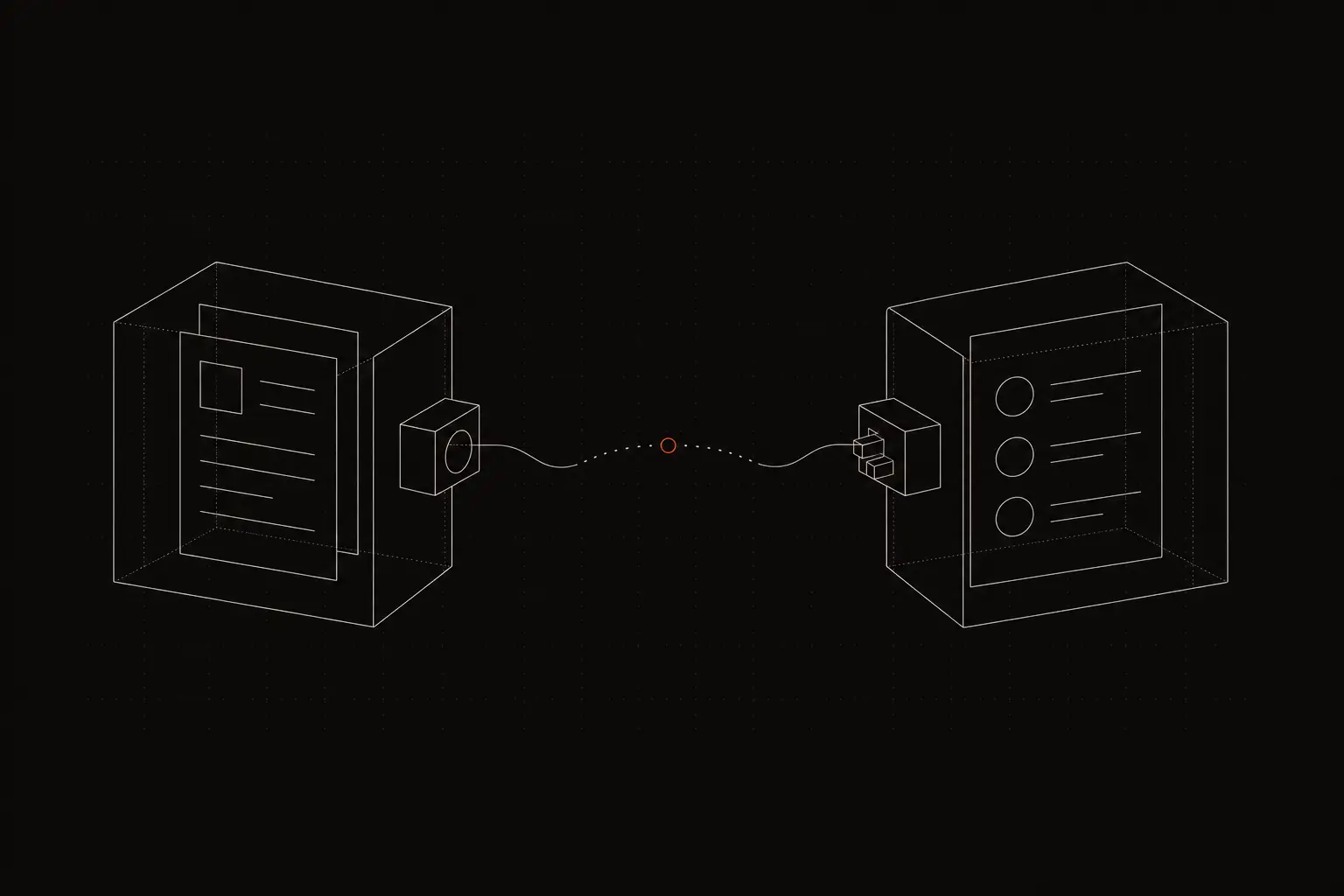
Connect Notion with TidySupport to use your Notion knowledge base for support. Surface relevant docs for agents, sync ticket data, and build internal wikis.
TidySupport Team
Published on April 11, 2026
Many teams use Notion as their internal knowledge base — product documentation, troubleshooting guides, process runbooks, and FAQ pages. When support agents need to reference that knowledge while handling a ticket, they switch to Notion, search for the right page, find the relevant section, and switch back. The Notion and TidySupport integration eliminates that friction by surfacing Notion content directly inside the support workflow.
Why Connect Notion with TidySupport?
Linking Notion to TidySupport turns your existing documentation into a support asset:
- Leverage existing knowledge. Your team has already documented processes, troubleshooting steps, and product information in Notion. Instead of recreating it in a separate knowledge base, use what you have.
- Faster agent responses. When agents can search Notion docs from within TidySupport, they find answers faster. They do not have to remember where a particular guide lives in Notion's page hierarchy.
- Consistent answers. When every agent references the same Notion documentation, customers get consistent responses regardless of who handles their ticket.
- Lower knowledge management overhead. Maintain one source of truth in Notion. Updates to a Notion page automatically reflect in what agents see in TidySupport, so you do not need to update documentation in multiple places.
What You Can Do with the Notion + TidySupport Integration
Surface Relevant Notion Docs for Agents
When an agent opens a ticket, TidySupport can suggest relevant Notion pages based on the ticket content. If a customer asks about resetting their password, the agent sees the password reset guide in the sidebar without searching for it.
Search Notion from Within TidySupport
Agents can search your connected Notion workspace directly from the TidySupport interface. Type a keyword and browse matching Notion pages without leaving the ticket view. Copy relevant sections into replies or link customers to public-facing docs.
Sync Notion as a Knowledge Base Source
Connect specific Notion pages or databases to serve as your TidySupport knowledge base. TidySupport indexes the content so it can be searched, suggested to agents, and optionally surfaced to customers through a public help center.
Log Tickets to Notion Databases
Send ticket data to a Notion database for custom tracking and reporting. Each ticket becomes a row in a Notion table with properties like status, priority, category, and resolution time. Build custom views, filters, and reports in Notion.
Create Notion Pages from Tickets
When a ticket reveals a gap in your documentation, agents can create a new Notion page directly from TidySupport. Pre-fill it with the ticket content as a starting point, then flesh it out later. This turns customer questions into knowledge base improvements.
Track Documentation Gaps
Analyze which tickets have no matching Notion docs. These are topics where your knowledge base is incomplete. Use this data to prioritize which Notion pages to create or update next.
How to Set Up the Integration
Connecting Notion to TidySupport is quick:
Step 1: Open integrations. In TidySupport, navigate to Settings > Integrations and select Notion.
Step 2: Authorize Notion access. Click "Connect Notion" and authorize TidySupport to access your Notion workspace. You will select which pages and databases TidySupport can read.
Step 3: Select knowledge base pages. Choose the Notion pages or databases that contain your support documentation. TidySupport will index these for agent search and suggestions.
Step 4: Configure sync settings. Set how frequently TidySupport re-syncs Notion content — real-time, hourly, or daily. More frequent syncing keeps content current but uses more API calls.
Step 5: Test the integration. Open a ticket and search for a topic covered in your Notion docs. Verify that relevant pages appear in the search results and that content displays correctly.
Popular Workflows
Common ways teams use Notion with TidySupport:
Internal wiki as agent knowledge base. Connect your team's internal Notion wiki to TidySupport. Agents search it during ticket handling to find troubleshooting steps, product specifications, and process documentation. The wiki maintains one version in Notion and is accessible everywhere.
Documentation gap analysis. Review tickets where agents could not find relevant Notion docs. Compile a list of missing topics, assign them to team members, and create the Notion pages. Over time, your knowledge base grows to cover the most common customer questions.
Ticket log for product reviews. Send ticket summaries to a Notion database that product managers review weekly. Each entry includes the customer issue, category, and resolution. Product teams use this data to prioritize improvements without needing access to TidySupport.
Onboarding new agents. New support agents search Notion from TidySupport while learning the product. Instead of memorizing answers, they learn to find information quickly. As they gain experience, they rely on suggestions less and contribute new Notion pages for edge cases they discover.
Frequently Asked Questions
How do I connect Notion with TidySupport?
Go to Settings > Integrations in TidySupport, click Notion, and authorize TidySupport to access your Notion workspace. Select which Notion pages or databases you want to connect, and the integration starts syncing immediately.
Is the Notion integration free?
Yes, the Notion integration is included on all TidySupport plans at no additional cost. You need a Notion account with the pages you want to connect.
What data syncs between Notion and TidySupport?
Notion pages and database entries sync into TidySupport as knowledge base articles. Agents can search and reference these articles while handling tickets. Ticket data can also be sent to Notion databases for custom tracking.
Does updating a Notion page automatically update the knowledge base in TidySupport?
Yes. When you edit a Notion page, the changes sync to TidySupport based on your configured sync frequency. If you use real-time sync, changes appear within minutes. Agents always reference the latest version of your documentation.
Frequently Asked Questions
How do I connect Notion with TidySupport?
Go to Settings > Integrations in TidySupport, click Notion, and authorize TidySupport to access your Notion workspace. Select which Notion pages or databases you want to connect, and the integration starts syncing immediately.
Is the Notion integration free?
Yes, the Notion integration is included on all TidySupport plans at no additional cost. You need a Notion account with the pages you want to connect.
What data syncs between Notion and TidySupport?
Notion pages and database entries sync into TidySupport as knowledge base articles. Agents can search and reference these articles while handling tickets. Ticket data can also be sent to Notion databases for custom tracking.