
Connect WooCommerce with TidySupport
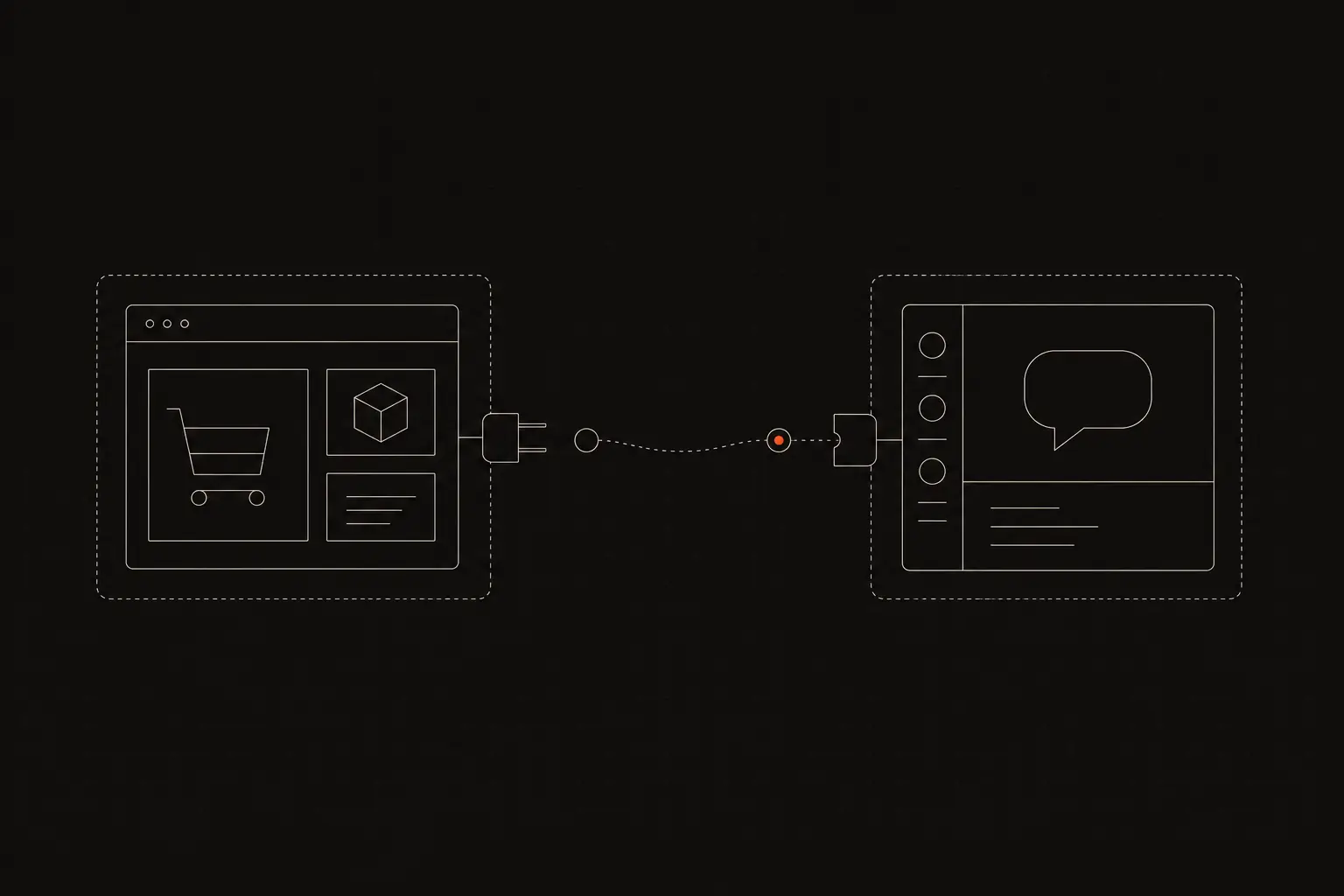
Connect WooCommerce with TidySupport to see order details alongside support tickets. Help customers with orders, refunds, and shipping without leaving your inbox.
TidySupport Team
Published on April 11, 2026
WooCommerce powers millions of online stores, and every one of them needs a way to handle customer support efficiently. When a customer writes in about an order, agents need to see order details, shipping status, and purchase history. The WooCommerce and TidySupport integration puts all that data right next to the support conversation, eliminating the constant tab switching between WordPress admin and your inbox.
Why Connect WooCommerce with TidySupport?
Connecting WooCommerce to TidySupport streamlines how your team handles ecommerce support:
- Order context in every ticket. When a customer writes about an order, their purchase history, order status, and shipping details appear automatically in the ticket sidebar. Agents stop wasting time searching through WooCommerce admin.
- Faster order-related resolutions. Most ecommerce support tickets are about orders — tracking, refunds, exchanges, missing items. With order data at their fingertips, agents resolve these tickets in a fraction of the time.
- Consistent customer experience. Every agent has the same view of the customer's order history. Whether the customer reaches out once or five times, any agent can pick up the conversation with full context.
- Reduced human error. When agents manually look up and copy order information between WooCommerce and email, mistakes happen. Automatic data sync eliminates mismatched order numbers and incorrect tracking links.
What You Can Do with the WooCommerce + TidySupport Integration
View Order History in the Sidebar
When a customer sends a support message, TidySupport matches their email address to their WooCommerce customer profile. The sidebar displays their recent orders, including order numbers, items, totals, dates, and current status.
Check Shipping and Tracking Status
Agents see shipping status and tracking information for each order directly in TidySupport. When a customer asks "where is my order," the agent has the answer immediately without opening WooCommerce or the carrier's tracking page.
Process Refunds from TidySupport
Agents can initiate full or partial refunds for WooCommerce orders from within the ticket sidebar. Select the order, choose the refund amount, and confirm. The refund processes in WooCommerce, and the agent can confirm it to the customer in the same reply.
Auto-Tag Tickets by Order Status
Automatically tag incoming tickets based on the customer's latest order status. Pre-shipment inquiries, shipping delay complaints, and post-delivery issues each get their own tag, making it easy to route and prioritize.
Identify Repeat Customers
TidySupport shows the customer's total order count and lifetime spend from WooCommerce. Agents can recognize loyal customers and provide them with a level of service that matches their value to the business.
Analyze Common Order Issues
Track which types of order-related tickets appear most frequently — shipping delays, wrong items, sizing issues, payment failures. Use this data to identify and fix operational problems in your store.
How to Set Up the Integration
Connecting WooCommerce to TidySupport requires generating API keys in your WooCommerce store:
Step 1: Generate WooCommerce API keys. In your WordPress admin, go to WooCommerce > Settings > Advanced > REST API. Click "Add Key," give it a description like "TidySupport," set permissions to "Read/Write," and generate the key.
Step 2: Copy the consumer key and secret. WooCommerce shows the consumer key and consumer secret only once. Copy both values before navigating away.
Step 3: Connect in TidySupport. Go to Settings > Integrations > WooCommerce in TidySupport. Enter your store URL and paste the consumer key and consumer secret.
Step 4: Verify the connection. Send a test email from a customer email address that has orders in WooCommerce. Open the ticket in TidySupport and confirm the order data appears in the sidebar.
Step 5: Configure automations (optional). Set up auto-tagging rules based on order status, routing rules for different order types, or automated responses for common order inquiries.
Popular Workflows
Here is how WooCommerce store owners use TidySupport:
Automated order status responses. When a customer asks about their order, TidySupport can send an automated reply with the current order status and tracking link before an agent even sees the ticket. This deflects a large percentage of "where is my order" inquiries.
Refund processing queue. All refund requests get auto-tagged and routed to a dedicated queue. A team member reviews and processes them from TidySupport, with the order details right there for verification.
Post-delivery follow-up. After an order is marked as delivered in WooCommerce, trigger an automated follow-up email asking the customer about their experience. If they reply with an issue, it becomes a ticket with full order context.
High-value order prioritization. Orders above a certain value automatically get their support tickets flagged as high priority. These customers receive faster response times and more attentive service.
Frequently Asked Questions
How do I connect WooCommerce with TidySupport?
In TidySupport, go to Settings > Integrations > WooCommerce. Enter your WooCommerce store URL and generate API keys in WooCommerce under Settings > Advanced > REST API. Paste the consumer key and secret into TidySupport to complete the connection.
Is the WooCommerce integration free?
Yes, the WooCommerce integration is included on all TidySupport plans. There are no additional fees for connecting your WooCommerce store.
What data syncs between WooCommerce and TidySupport?
Order details, customer profiles, order statuses, product information, and shipping tracking data sync from WooCommerce to TidySupport. Agents see this data in the sidebar when handling customer tickets.
Can I connect multiple WooCommerce stores?
Yes. If you run multiple WooCommerce stores, you can connect each one to TidySupport. Customer and order data from all stores will be accessible in the ticket sidebar.
Frequently Asked Questions
How do I connect WooCommerce with TidySupport?
In TidySupport, go to Settings > Integrations > WooCommerce. Enter your WooCommerce store URL and generate API keys in WooCommerce under Settings > Advanced > REST API. Paste the consumer key and secret into TidySupport to complete the connection.
Is the WooCommerce integration free?
Yes, the WooCommerce integration is included on all TidySupport plans. There are no additional fees for connecting your WooCommerce store.
What data syncs between WooCommerce and TidySupport?
Order details, customer profiles, order statuses, product information, and shipping tracking data sync from WooCommerce to TidySupport. Agents see this data in the sidebar when handling customer tickets.